The math of detection delay
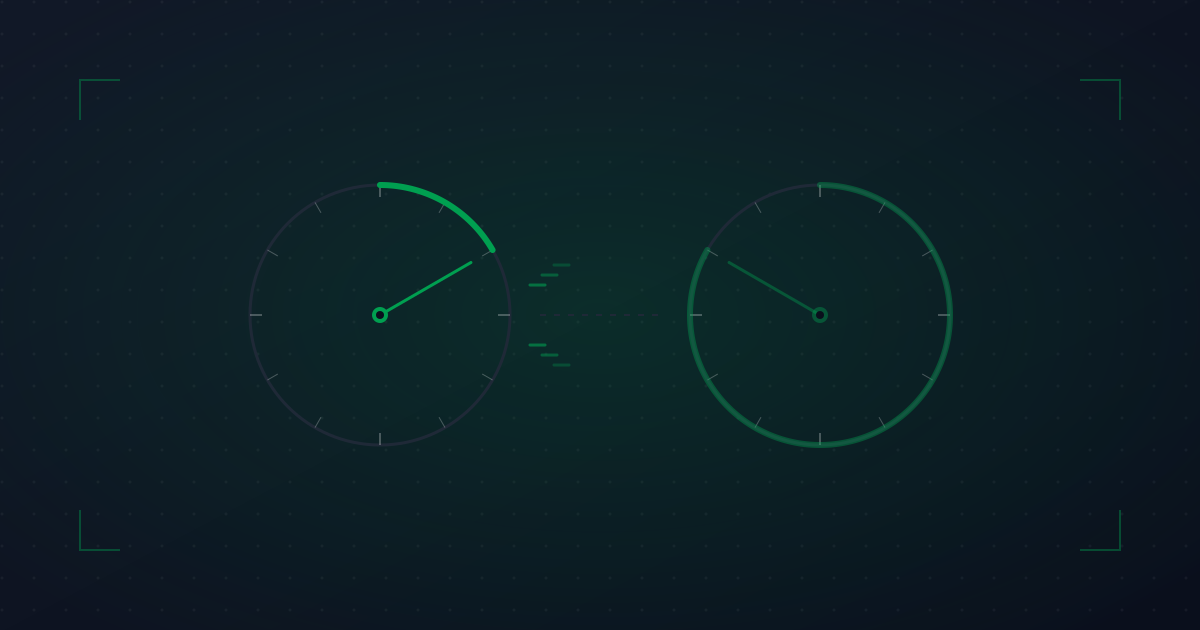
Every uptime monitor checks your site at a regular interval. The interval defines a hard floor on how fast you can possibly know something is wrong.
Suppose your site goes down at exactly 03:00:00. If your monitor checks every 5 minutes (say, at :00, :05, :10), it depends entirely on when in the cycle the failure happens:
- If you go down at 03:00:01, the next check is at 03:05:00 — a 4 minute 59 second delay.
- If you go down at 03:04:59, the next check is at 03:05:00 — a 1 second delay.
- On average, your detection delay is half the interval: 2 minutes 30 seconds.
For a 30-second check interval, the average is 15 seconds, and the worst case is 29.999 seconds.
This is before you add multi-region confirmation, alert routing, and human acknowledgement — all of which add additional latency on top.
What an extra 2 minutes actually costs you
Whether 2 minutes of "we didn\'t know" matters depends on what those minutes mean to your business.
Low-cost downtime examples
- Marketing site: visitors might see an error and leave. Loss is small unless you\'re mid-campaign.
- Internal dashboards: employees grumble; productivity loss is real but bounded.
- Documentation site: people will retry; bounce-rate hit but recoverable.
High-cost downtime examples
- E-commerce checkout: every minute of outage during peak hours is measurable revenue lost. A 5-minute outage during Black Friday can cost more than a full year of monitoring tooling.
- SaaS login flow: customers can\'t use the product they\'re paying for. Refund requests follow.
- Payment APIs: failed transactions retry, charge customers twice, generate support tickets that cost more than the order to resolve.
- Status pages: ironically, your status page going down during your own incident is the worst kind of meta-outage.
Calculate your actual downtime cost — even a back-of-envelope estimate — before deciding what cadence is "fast enough."
When fast checks create noise
Fast checks are not free. The faster you check, the more likely you are to catch transient failures: a single connection timeout, a dropped TCP handshake, a momentary route flap.
Without multi-region confirmation, 30-second checks will page you for every regional ISP hiccup. After a week of false 3 AM pages, you\'ll start ignoring real ones — the textbook definition of alert fatigue.
Two safeguards make fast checks workable:
- Multi-region confirmation. Require 2 or 3 regions to agree before declaring an incident.
- Failure-count thresholds. Don\'t alert on a single failed check — require N consecutive failures (typically 2–3).
With both in place, a 30-second monitor effectively becomes a 60–90-second alert: still much faster than 5-minute monitoring while filtering out one-off blips.
Matching cadence to criticality
You don\'t need everything at the same interval. A reasonable tiering:
- 30-second checks: revenue-critical transactional endpoints (checkout, payment, login, signup, public API).
- 1-minute checks: customer-facing pages, search, marketing site key paths.
- 5-minute checks: internal tools, admin dashboards, secondary regions.
- Daily checks: SSL cert expiry, DNS records, sitemap availability.
- Heartbeat (per cron schedule): scheduled jobs, batch processes.
This pattern keeps your monitoring bill reasonable, your alert volume manageable, and your detection delay short where it actually matters.
The economics: cost per second of detection
Most monitoring vendors price faster checks into higher tiers. The delta between 1-minute and 30-second checks at most vendors is in the $10–30/month range — roughly the cost of one team lunch.
Now weigh that against:
- One avoided 5-minute outage during business hours: easily $500–5,000 in lost revenue for a moderately-busy SMB.
- One avoided "customer-tweeted-before-we-knew" PR moment: hard to quantify but real.
- One avoided 4 AM page (because the alert came earlier and the on-call could ack-and-investigate before paging the team): genuinely improves on-call quality of life.
The math is rarely close. If your business is large enough to lose meaningful money during downtime, faster checks pay for themselves the first time anything breaks.
Practical recommendations
Here\'s what we\'d do (and do, on anyping):
- Default to 30-second checks for anything customer-facing and transactional.
- Use 1-minute for marketing pages and non-critical paths.
- Use multi-region confirmation on every monitor — not just the fast ones.
- Use 2-failure thresholds before paging.
- Reserve 5-min checks for monitors where false negatives are tolerable.
- Run heartbeat monitors on every scheduled job, period.
If you set this up correctly, your detection delay drops to 30–60 seconds for the things that matter most, while alert volume stays low enough that on-call doesn\'t become unbearable.